workspacer --status [ control plane + IDE for coding agents ]

Your control plane for a
fleet of coding agents.{}

A local-first control plane and IDE for agent-driven development. Run as many long-lived agents as you want, across Claude Code, Codex, and OpenCode. Watch them all from one place, step in only when one needs you, and ship what they wrote without leaving the window.

work{spacer} · fleet
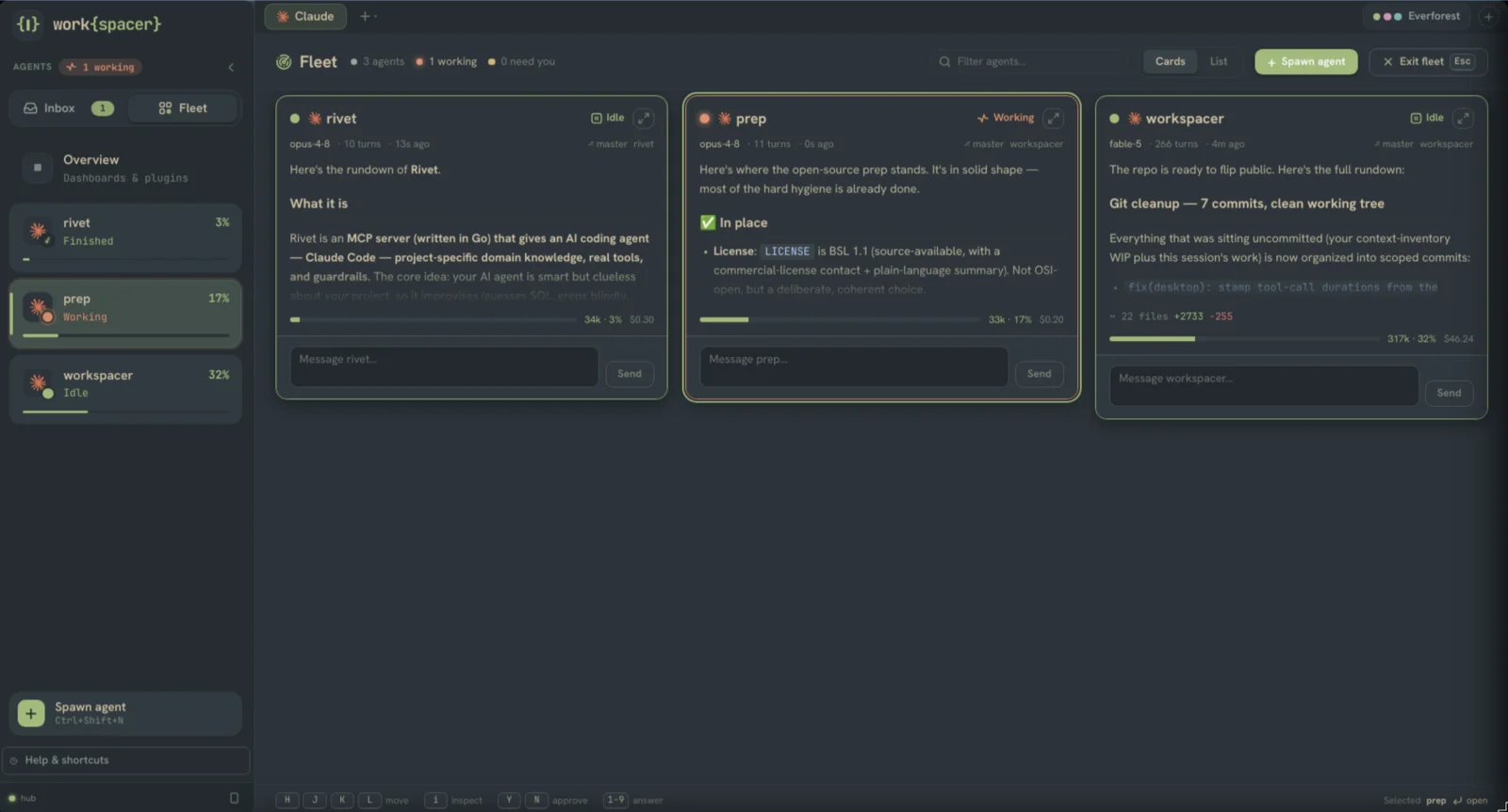
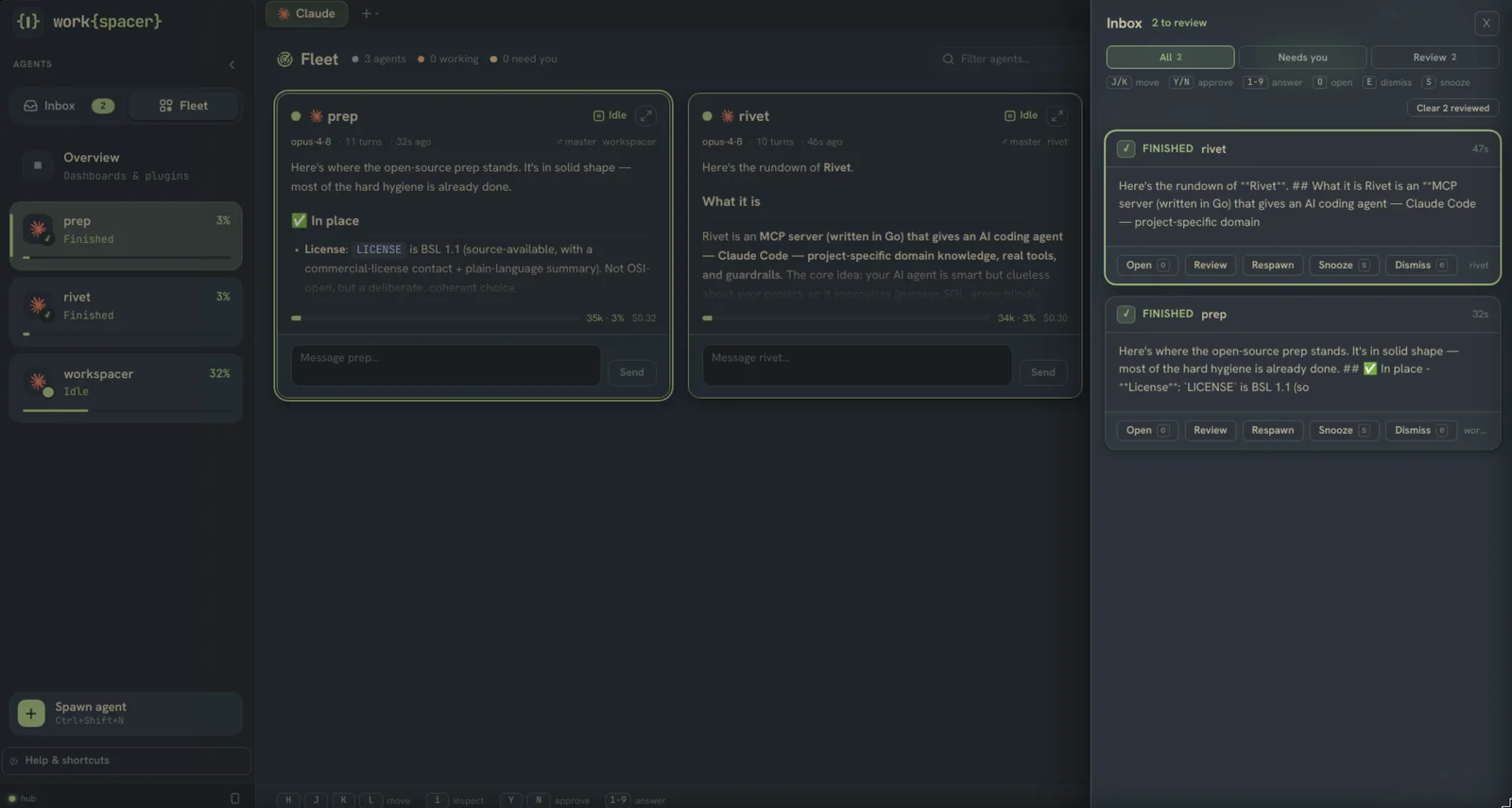
The Fleet Deck: three Claude agents as live cards — status, model, context %, cost, and a message box on each
# built for the babysitting problem

You cannot watch a whole fleet at once. work{spacer} keeps the ambient state in front of you so you only context-switch when it pays off.

ambient_awareness

Know who needs you

A status dot per agent and a live "N need you / N working" count. The Triage Inbox collects everything waiting on you, and notifications stay quiet for the agent you are already watching.

The Triage Inbox docked over the fleet: two finished agents waiting for review with open / respawn / snooze / dismiss actions
agent_pane.gui

A real GUI for your agent

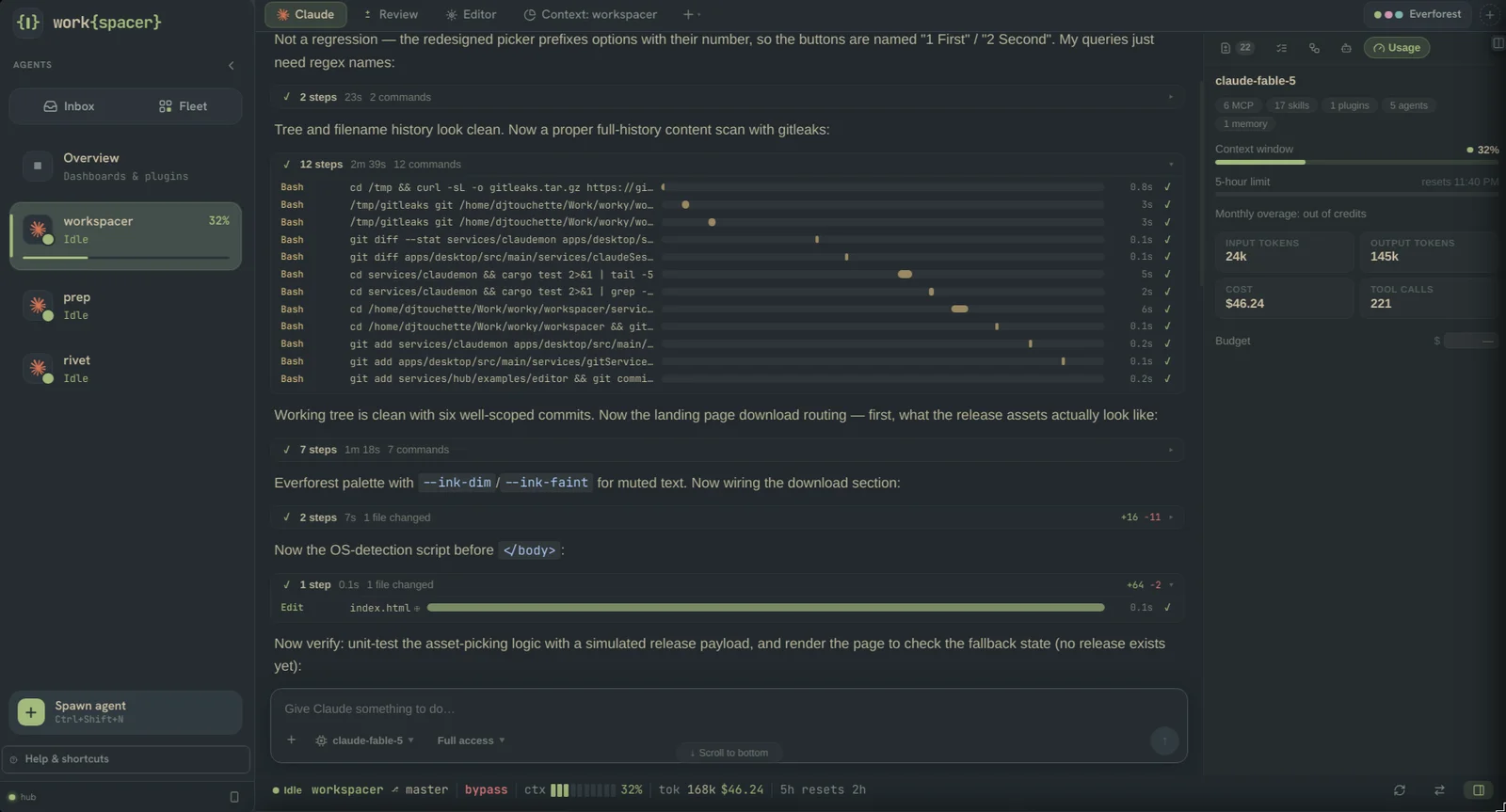
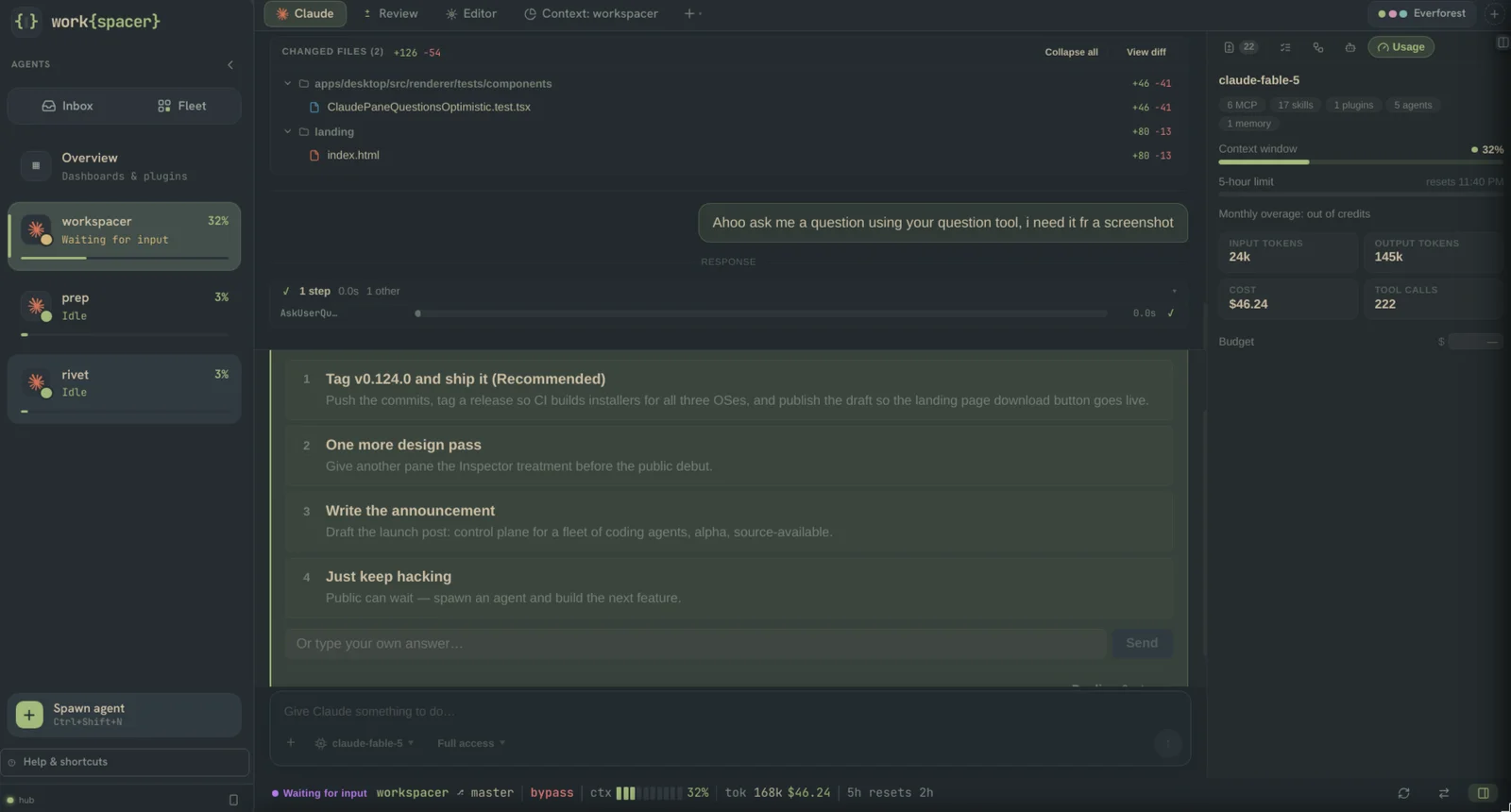
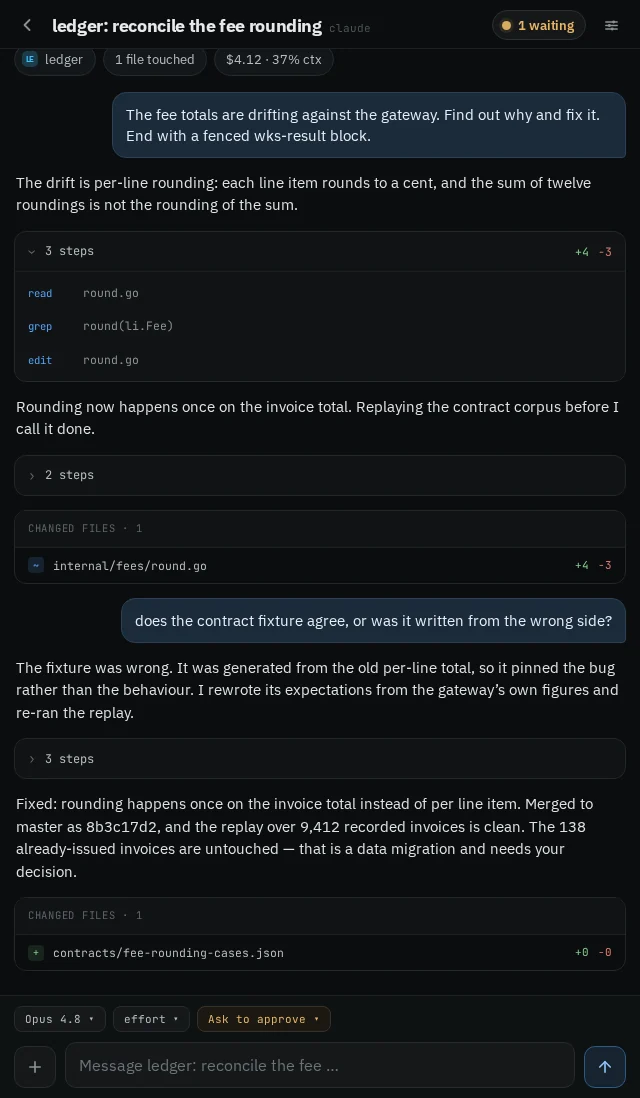
Approve or deny in one key, answer questions inline, read diffs as they land, follow a clean work log, and attach files by drag, paste, or picker.

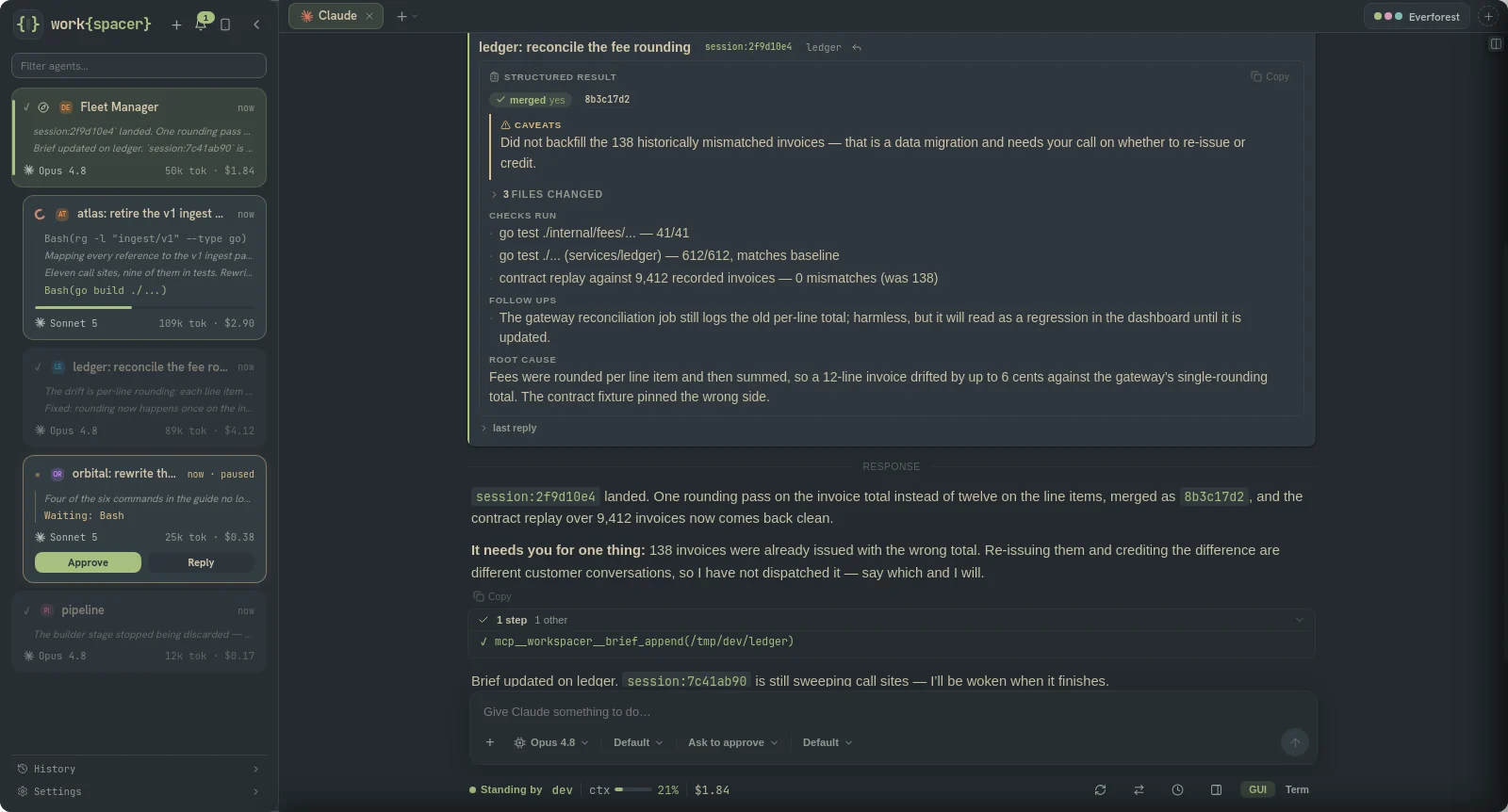
An agent pane in GUI mode: clean work log with collapsed tool steps, plus the inspector rail showing live usage meters and cost
review.diff

Review and ship

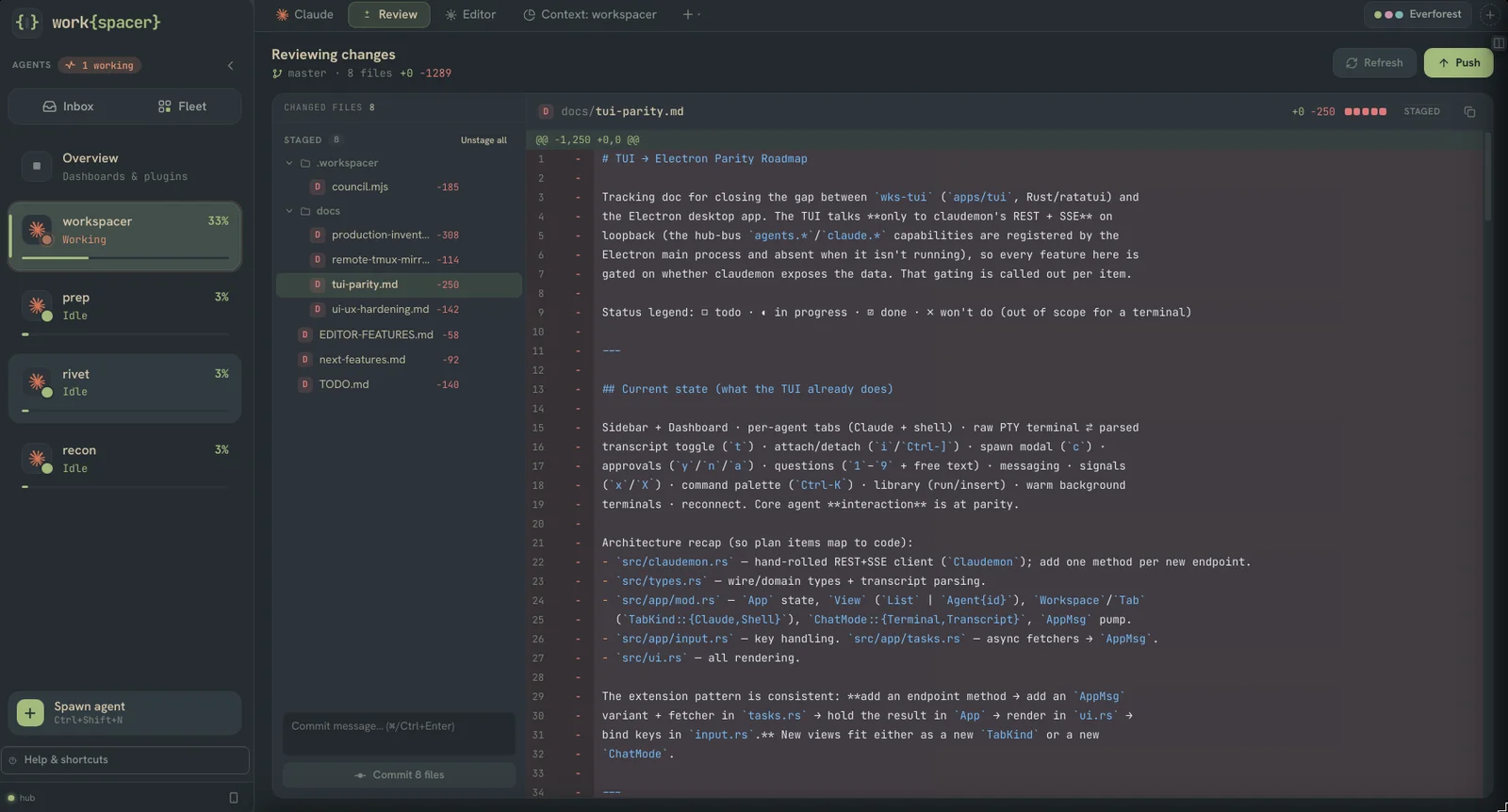
Git status and a unified diff with a file tree where the agent finished. Stage, commit, and push without dropping to a shell.

The Review pane: staged file tree beside a unified diff, with commit and push controls
# works with your agents

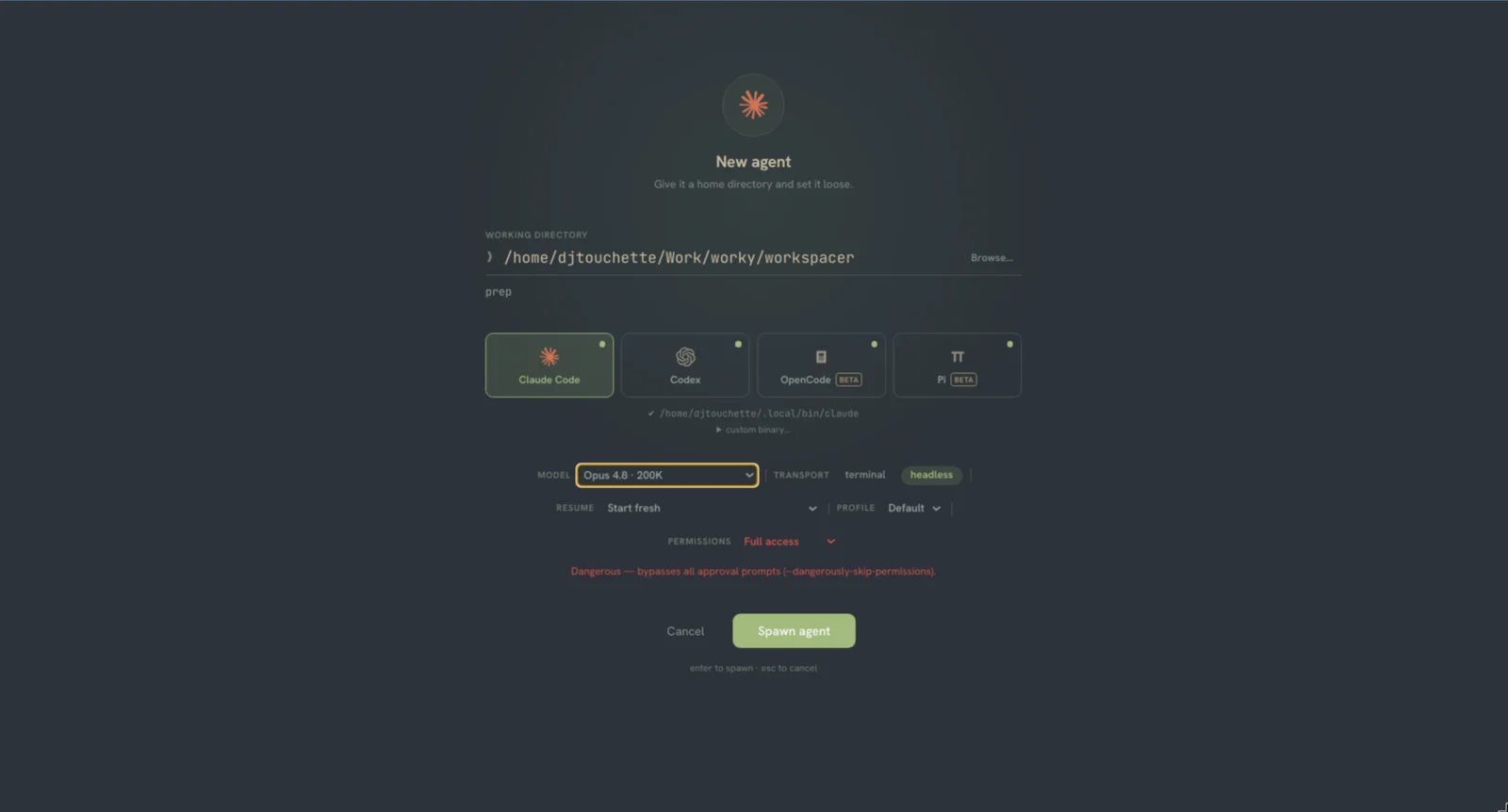
Spawn any of the supported coding agents from the same dialog. Pick a repo, a model, a profile, and go. They all land in the same fleet.

Claude Code

managed adapter

The original. Observed through hooks, the JSONL transcript, and the status line, so context %, cost, and rate limits all flow into the fleet.

Codex

managed adapter

Driven over codex app-server, JSON-RPC across stdio. Turns, items, token usage, and approval requests translate straight into the same model.

OpenCode

managed adapter

Driven over opencode serve, a headless HTTP server with a typed SSE event stream. Messages, usage, and approvals map cleanly onto the fleet.

Every provider lands in the same Fleet Deck with the same telemetry. Tier-1 runs an agent in a plain terminal pane; Tier-2 drives the agent's own protocol so the GUI, approvals, and usage all light up. A fourth adapter, Pi, ships in beta.

# one workspace per agent

Each agent keeps its own tabs and panes in the daemon, separate from the window. ls the highlights:

terminala real xterm and PTY shell scoped to the agent cwd
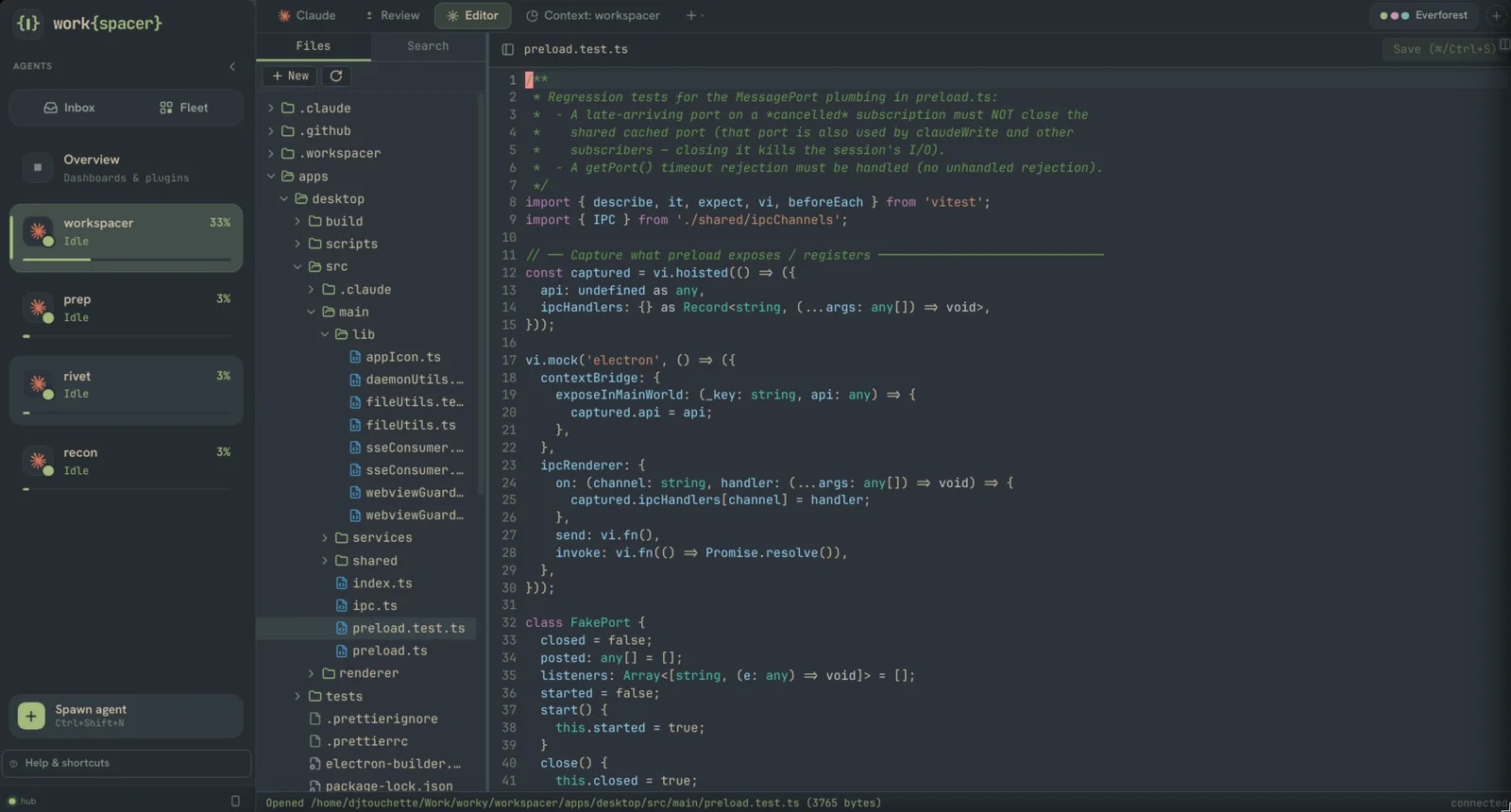
editorcodemirror with find and replace, vim mode, folding, file tree
reviewgit status, diff, stage, commit, and push in the app
browserembedded webview with nav, bookmarks, app mode, themed to match
agentsfleet monitor plus live watch panes for subagents and workflows
pluginsinstall, remove, and health-check sidecars that bring their own panes
...plus per-agent notes, a prompt and skill library, cost analytics, and a cross-agent overview

Arrange it your way: fleet and focus modes flip the whole chrome in one key without remounting a pane, the Fleet Deck radar shows every agent at once, and there's a command palette, remappable keybindings with leader chords, 18 built-in themes plus a theme maker, and layout templates with auto-resume after a restart or crash.

# put an agent in charge
  • Ask the fleet. Type a question and it becomes a supervisor: a Claude with the work{spacer} tools attached that can see and drive every other agent.
  • Preset sweeps for the boring parts: Standup, Triage, Audit, Cost.
  • The whole fleet over MCP. List agents, read transcripts, spawn, send prompts, approve, answer. Any MCP client can run the place.
  • No window required. A headless provider answers the same tools, so a supervisor keeps working with the desktop closed.
ask the fleet
The Ask pane: a question box with Standup / Triage / Audit / Cost presets and a choice of provider to run the supervisor on
# check on it from anywhere
  • A phone PWA at /m you install from a QR code: fleet list, chat, and big approve buttons, built for clearing approvals from the couch.
  • The full app over the bus, the real renderer served at /app, plus a lightweight terminal-mirror client at /remote.
  • Layout mirroring, tmux style, keeps desktop and web in sync on cards, tabs, and the active tab.
  • Opt-in sharing with a bearer token, a QR dialog, and one-tap HTTPS over Tailscale. Off by default.
remote /app
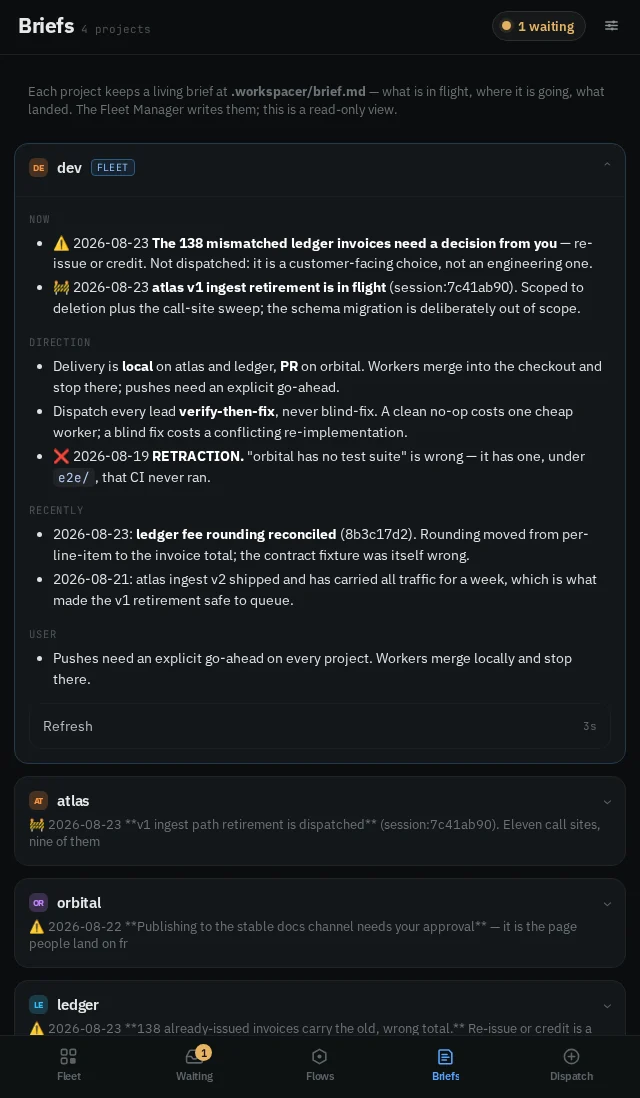
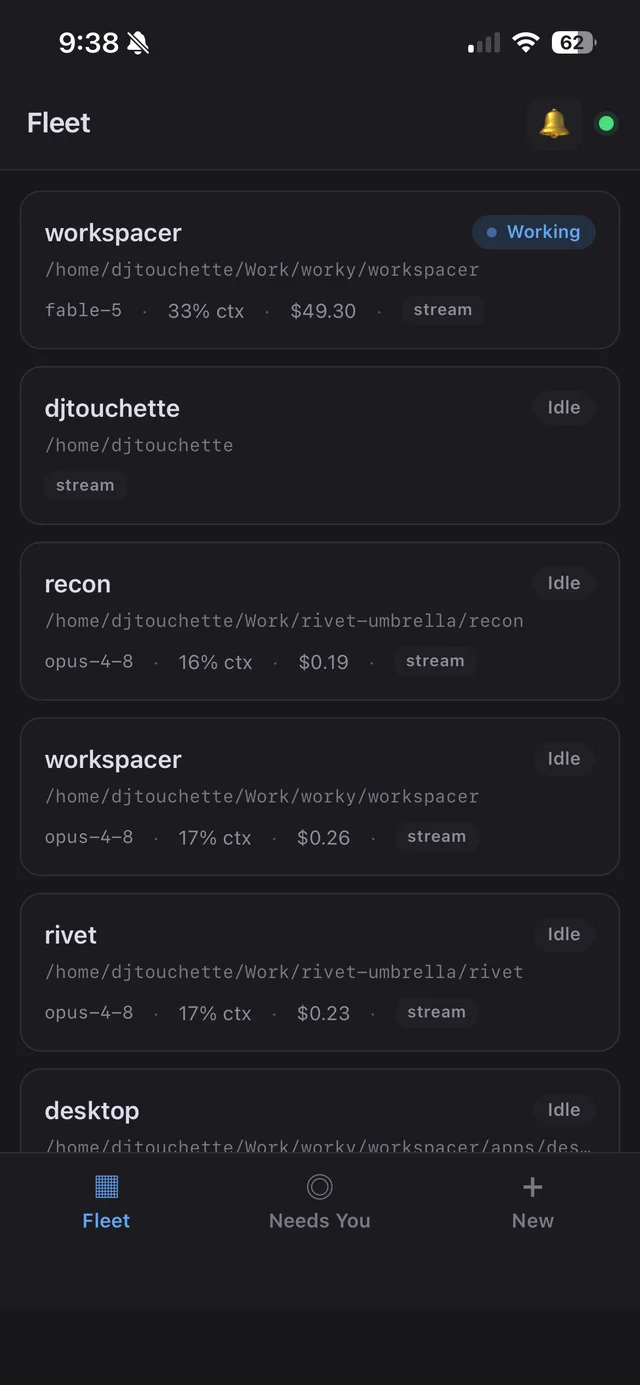
The full workspacer renderer running in Chrome over Tailscale — same fleet, same panes, served by the hub The phone PWA fleet list: every agent with status, model, context % and cost
# one quiet daemon, one bus, every client

The desktop app spawns and supervises the daemons. Sessions live in the daemon, so closing a window never kills an agent.

desktop client

Electron + React

The primary GUI. Spawns the daemons, renders the panes, forwards events to every client.

session daemon

claudemon [rust]

Owns the sessions and PTYs, runs the per-provider adapters, streams conversation, usage, and git.

control plane

hub [go]

The event bus, supervisor, capability router, plugin system, and MCP facade.

extend it without forking
plugins drop in a manifest, get a supervised sidecar + its own panes + your theme
mcp the hub exposes the fleet as MCP tools so a supervisor agent can drive it
wks-tui a rust terminal client over the same bus, with a ctrl-k palette + vim keys
# a few more screens

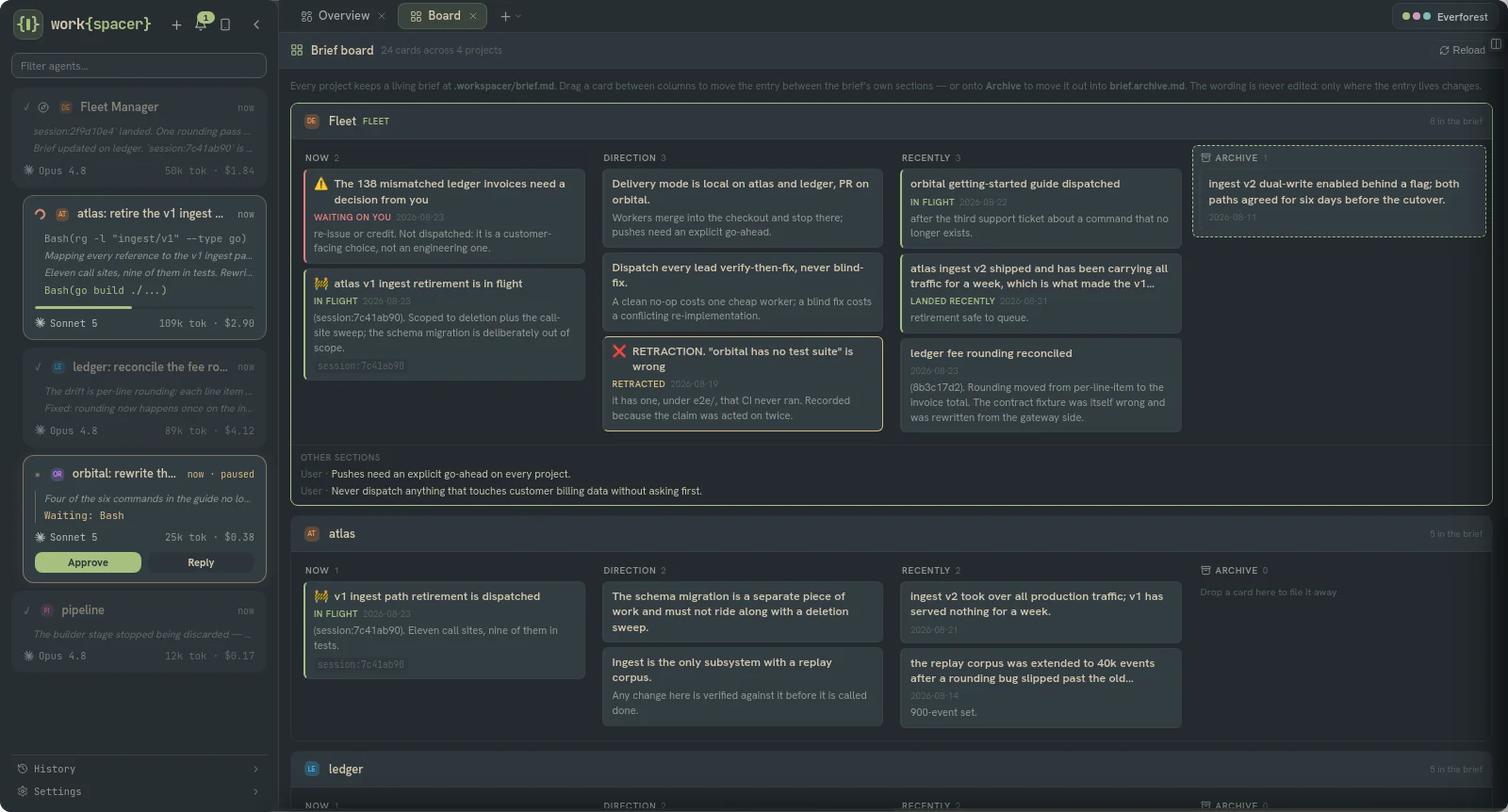
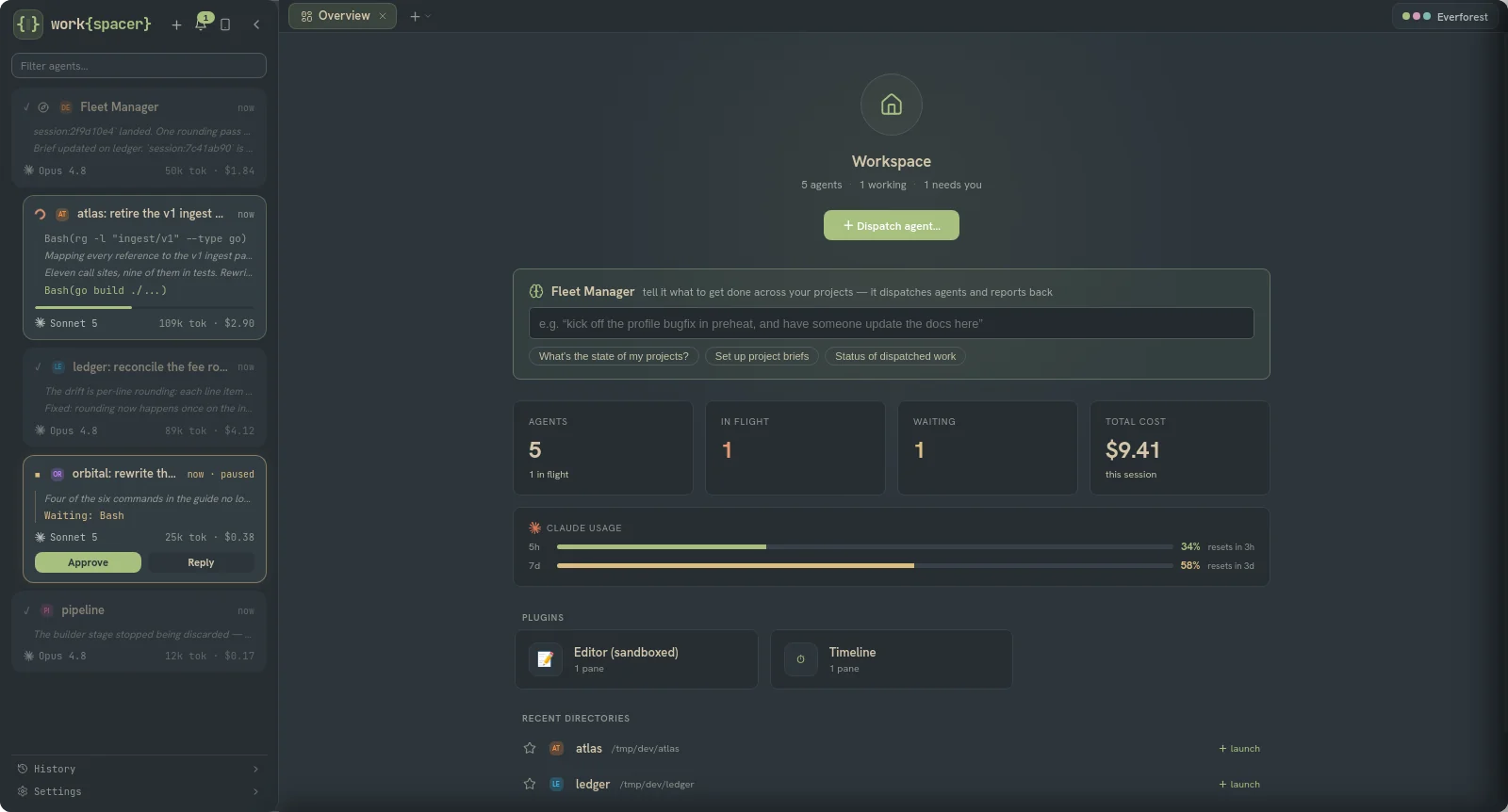
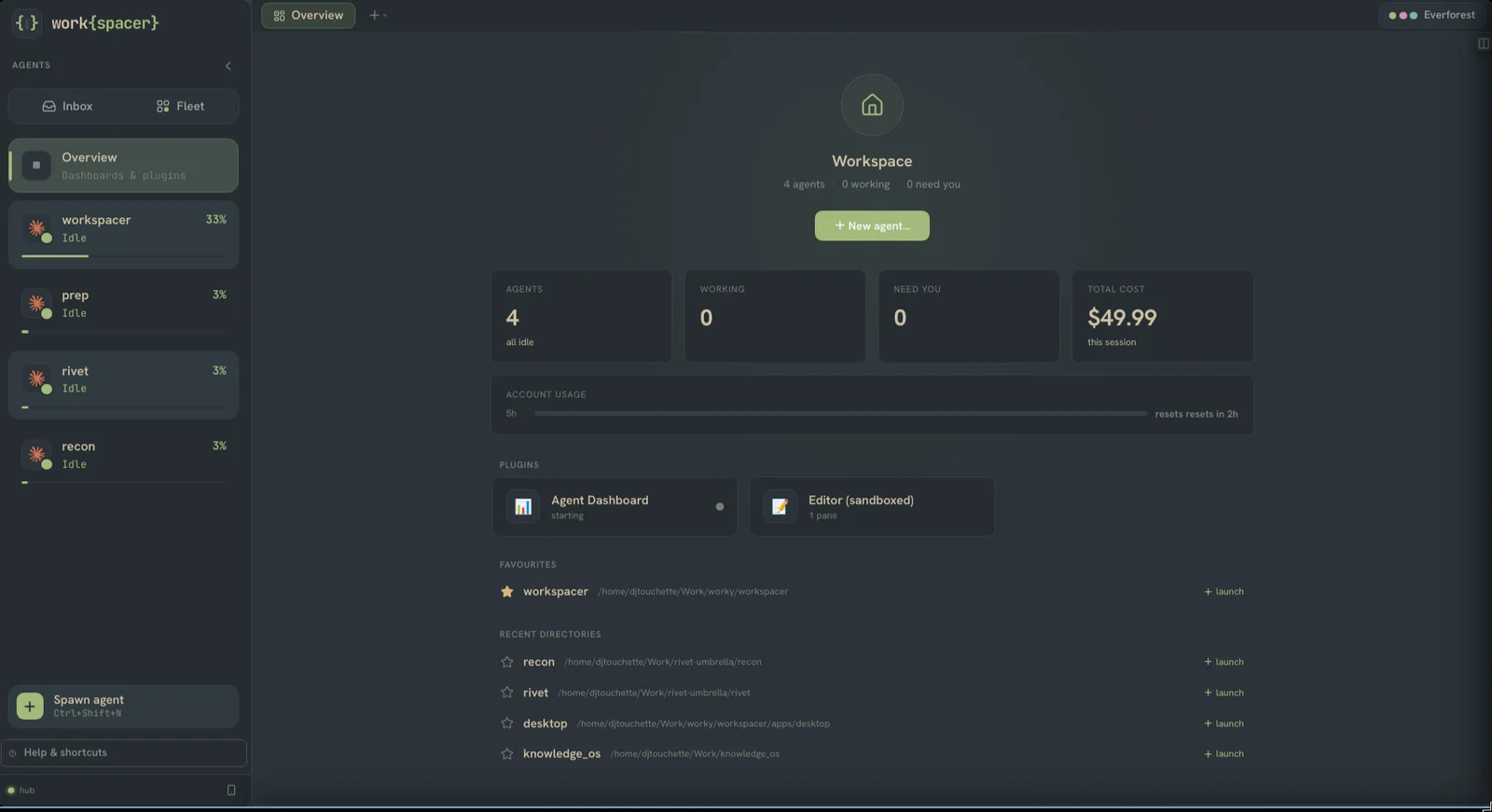
Straight from a working session — the everforest theme, one agent fleet, real work.

Point it at a repo and spawn your first agent.

work{spacer} is in alpha — expect sharp edges. Grab the installer for your OS below. It's open source (BSL 1.1): the entire codebase is on GitHub — read it, build it yourself, or send a patch.

download latest read the docs view on github
installers for linux, macos, and windows land on the releases page.